
FEATURES /
Onsite Countdowns & Timed Offers
Drive Action with Onsite Countdowns
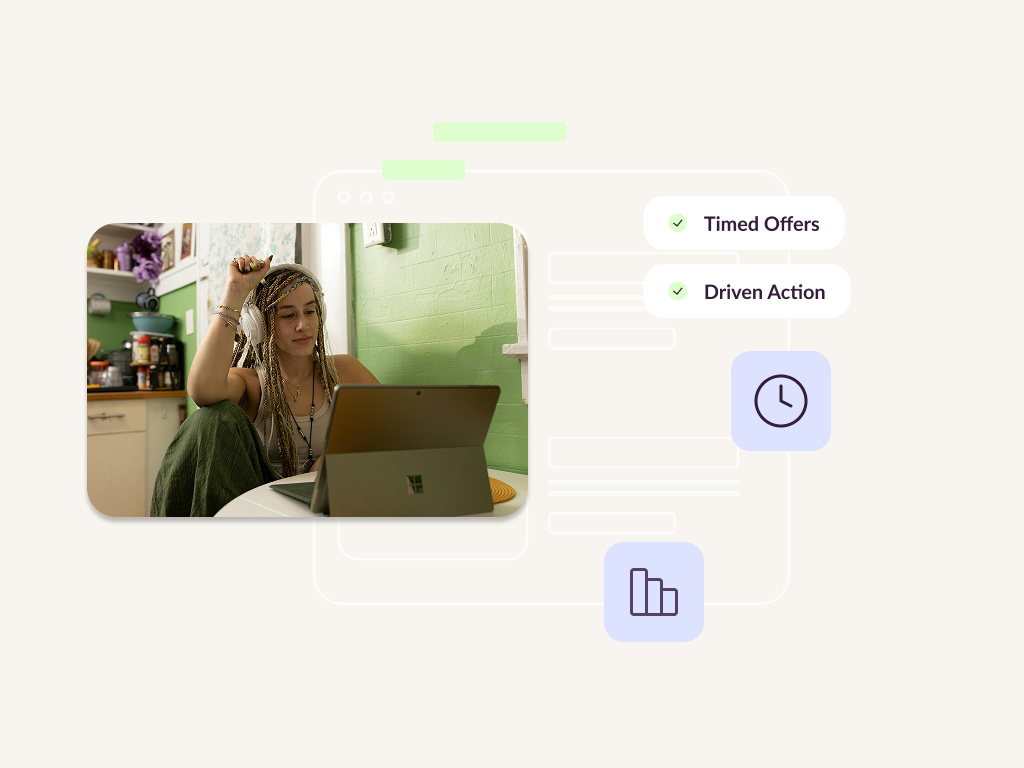
Boost conversion rates by highlighting limited-time rewards. Use eye-catching banners and overlays with integrated countdown timers to create genuine urgency and ensure your audience never misses an offer.
Trusted by leading enterprise retailers and ecommerce brands






Silent promotions lead to missed opportunities.
Even the best promotion fails if the customer doesn't know it exists, or doesn't feel the need to act now.
How It Works
Seamlessly Connect Messaging to Urgency
1
Select and customise template
Select a Countdown template from our library, then customise the design to match your brand's look and feel.
2
Set countdown date and time
Set your countdown date and time. This defines the exact moment the offer expires, creating a live, ticking visual for the shopper.
3
Layer display and audience rules
Layer on your Display and Audience rules. Decide exactly which pages the banner appears on and which customer segments should see it.
4
Preview, publish and test
Preview and Publish. Use our testing tools to serve the experience to a challenger group vs a control group to measure the exact impact on conversion.




Before
Passive Promotions and Low Urgency
You run a weekend sale, but it's buried in an email or a small text link. Customers browse casually, unaware that the offer ends in three hours, leading to high bounce rates and "basket sitting."
AFTER
Active Nudges and Rapid Conversion
A dynamic countdown banner follows the user, reminding them exactly how much time is left to claim their 20% discount. The visual pressure reduces hesitation and drives an immediate checkout.
What Our Customers Say
Trusted by enterprise ecommerce and CRM teams across UK, US, and Europe.
"Working collaboratively with Uniqodo enabled us to deliver a campaign that was engaging and unique over a highly competitive period."

Nick White
Samsung Electronics UK
"By re-launching our EE Perk platform, we can offer our business clients an exclusive discount to enhance their employee benefits scheme to attract, retain and reward their staff."

Sachin Thanki
Performance Marketing Manager, EE
"The Uniqodo team were nothing short of brilliant, responding with considered solutions in just 24 hours and working over Black Friday weekend to complete a full API integration with BT Shop."

Duncan Rutherford
Head of eCommerce, BT Shop
"We've been using Uniqodo for a while now on our targeted campaigns, making changes to test what works best on emails for our top customers. We appreciate the Uniqodo facility because it stops our codes from leaking onto other websites and it offers something different from basic discounts."

Theo Kidd
CRM, Jacamo
"Having Uniqodo has given us flexibility to create and test our customer offers. The system protects the discounts we want to give, so it's easier to agree promotions internally, even if we're giving away a larger margin to a selected group."

Sian Worthington
Affiliate Strategy Manager, N Brown Group
"Uniqodo is a tight team, yet are always available for you. It's an issue for lots of businesses, to protect revenue from discounting. This is a great way to achieve this and they do all the work for you – setting up the codes and the content on your website."
Sabrina Head
CRM and Loyalty Manager, EMEA, Avis Budget Group
The Uniqodo Framework
"Flash Sale" Momentum

"Flash Sale" Momentum
Maximise a 24-hour event by showing a live countdown on the homepage and category pages. The constant visual reminder of the deadline ensures customers act before the window closes.

Weekend Promotion Reminders
As customers browse on Sunday evening, show a banner reminding them that their automatically applied 15% discount expires at midnight.

Learn how we got 200K new customers for Samsung
Read the case study
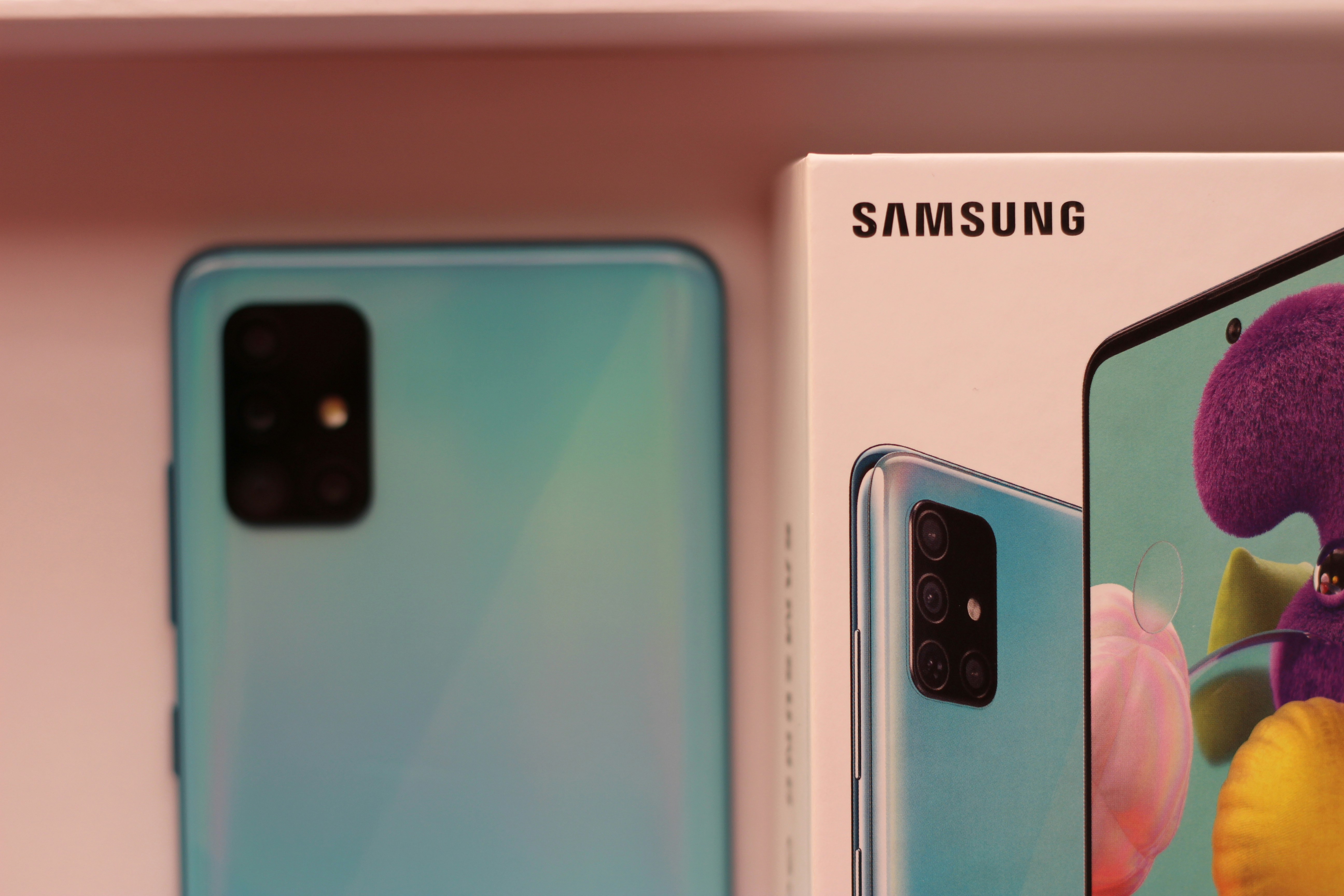
40% unique click to open rate
200k new customers
£804k revenue generated
Configuration and Control
Take total control over the customer journey with granular rules that determine when, where, and to whom your timed offers are displayed.
Display & Schedule Rules
Configure the exact dates and times your experience runs, and choose the specific web pages where the banner will appear.
Audience-Led Targeting
Use optional audience rules to show your countdown only to specific shoppers, such as first-time visitors or those arriving from a partner link.
Control vs Challenger Testing
Validate the effectiveness of your messaging by testing your timed experience against a control group before a full roll-out.
GET STARTED
Create a more intelligent checkout experience.
Move beyond simple code boxes. Use Automatic Promotions to build a flexible, multi-layered strategy that rewards customers and protects your bottom line.
Got questions?
Everything you need to know before booking a demo
Does the countdown automatically sync with my promotion expiry?
No, the experience and promotion are set up separately. This gives you the flexibility to start a countdown banner halfway through a promotion or run informational countdowns (like a shipping cut-off) that don't have a discount attached.
Can I show a unique code within the countdown banner?
Yes. You can choose a template that displays a unique code, making it easy for the customer to see, copy, and use their reward while the clock is ticking.
Read the documentation
Schedule, display, audience and behaviour rules
Still have questions?
Contact us